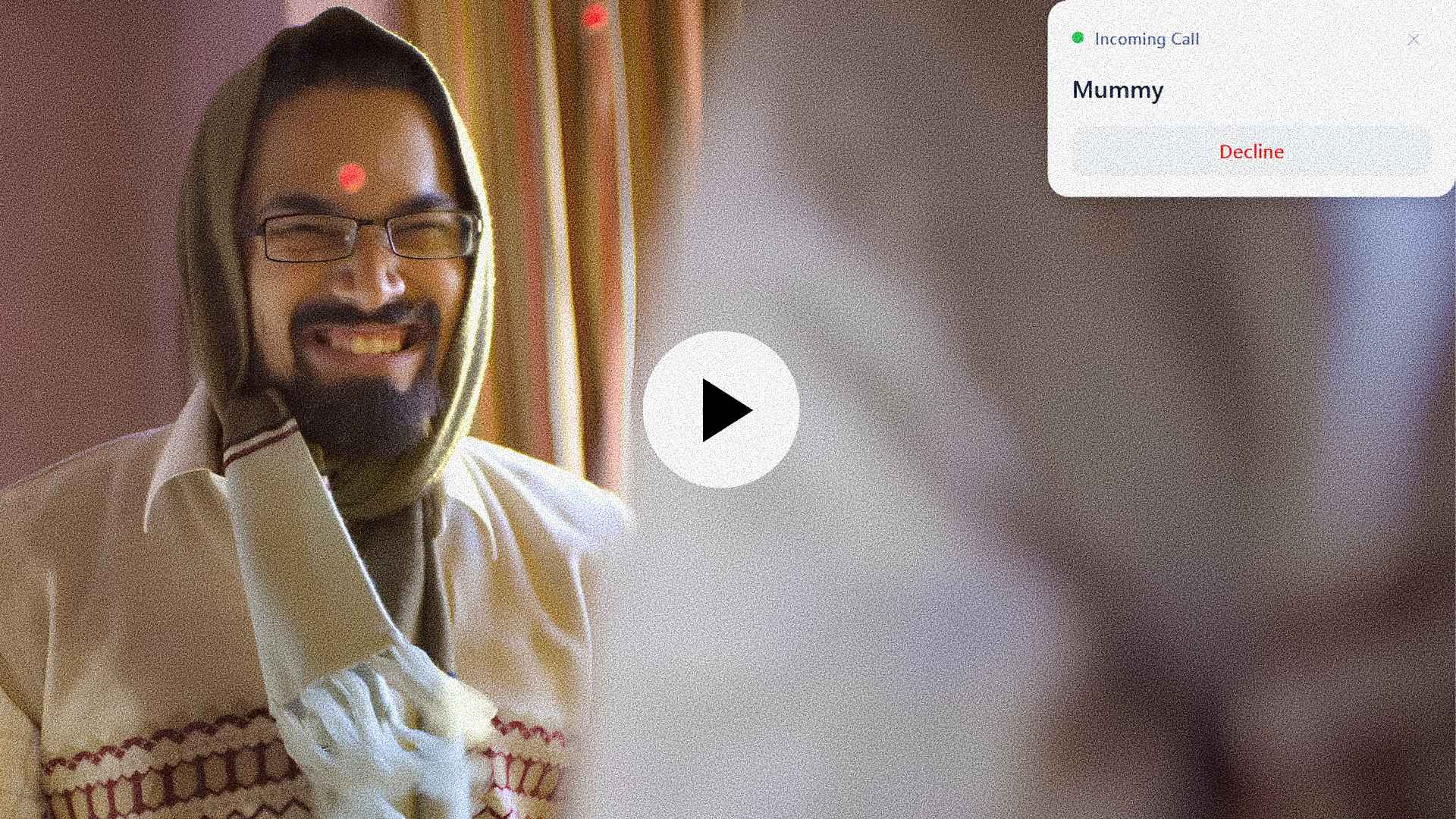
Intercore call notification
Connected · OnePlus 12
📋 Clipboard synced
📞 Mummy calling…
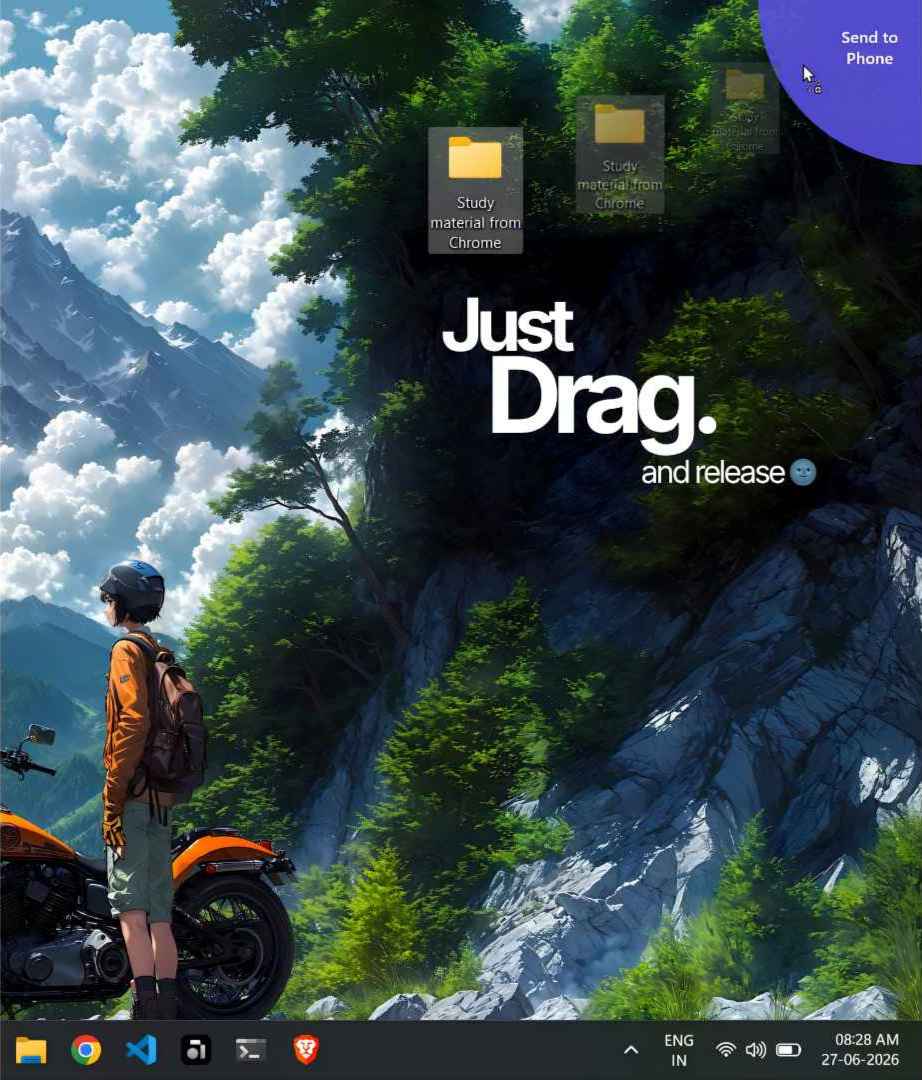
Intercore
● Connected to Bablu-G
Receive ✓
Auto screenshots ✓

✦ No internet. No pairing. Just works.

Your phone
and laptop,
finally in sync.

Copy on one device, paste on the other. Send files instantly. Get call alerts on your PC. All on your local Wi-Fi — nothing leaves your network.

Download Free ↓

Near-hardware speed

Files fly at 8 MB/s on 5 GHz. Your router is the only limit.

🔒

100% local

Everything stays on your Wi-Fi. No cloud. No servers. No account.

📋

Live clipboard

Copy text or an image on your phone, paste it on your laptop instantly.

📞

Call alerts on PC

See who's calling and decline from your laptop without touching your phone.

Get Intercore

Free. Always.

Android

v1.0.0
Download .apk Android 7.0+ (API 24)

macOS

Coming soon
Not yet available macOS 12+

⚠️ Android: since this isn't from the Play Store yet, you'll need to allow Install unknown apps in your phone settings. It's safe — this is just how sideloading works.

FAQ

Is my data safe? Does anything go to the internet?

Nothing. Intercore only communicates over your local Wi-Fi network. No data is sent to any server, ever. There's no account, no cloud, no telemetry.

Do both devices need to be on the same Wi-Fi?

Yes. Your phone and laptop need to be connected to the same router. That's how Intercore finds them automatically — no pairing codes or setup required.

Why isn't it on the Play Store?

It will be. For now, download the APK directly from this page. The install takes 30 seconds.

Does it work when my phone screen is locked?

File transfers and call notifications work in the background. Please allow all the access asked for the best experience.

How is this different from Phone Link or KDE Connect?

Phone Link requires a Microsoft account and only works well on Samsung. KDE Connect is great but complex to set up. Intercore is zero-config, no account needed, and built specifically for speed.

Tell us what you think

Found a bug? Have a feature idea? Just want to say hi? We read everything.

Open feedback form ↗